
Build A Golem Tools
Checklists for redeeming codes, crafting the first miner, and repeating a tight session.
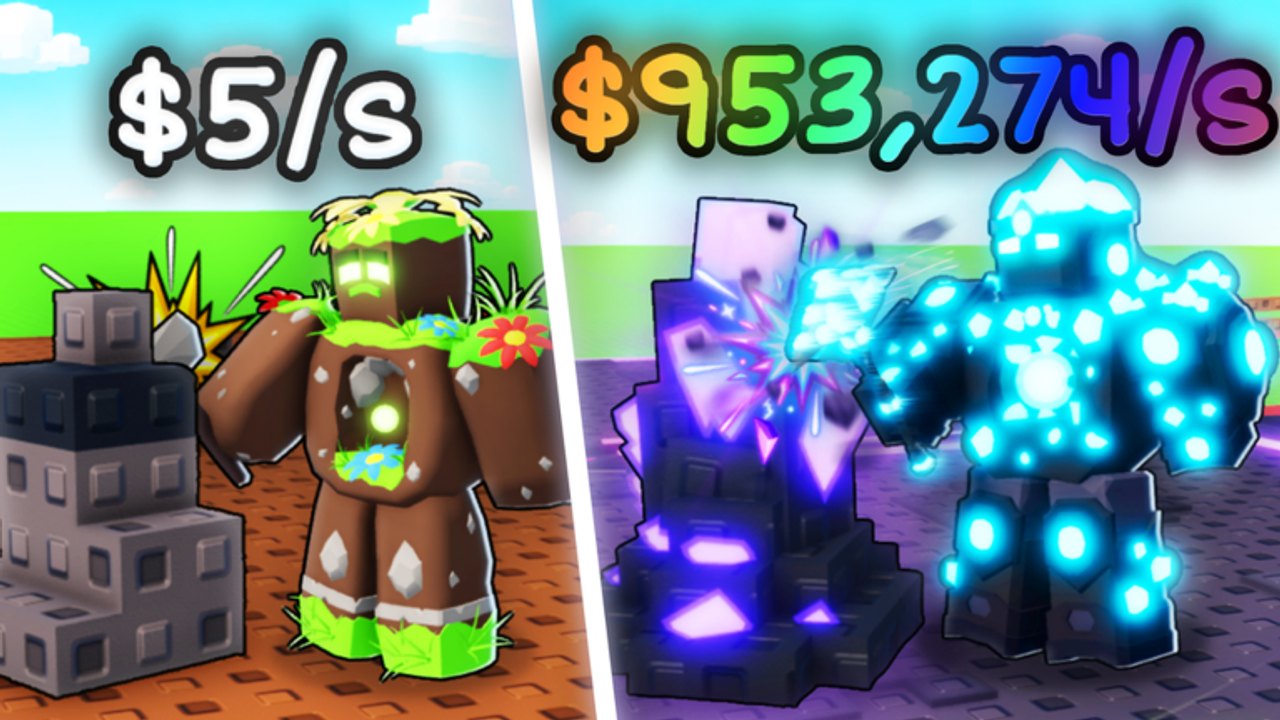
Build A Golem does not need a damage calculator. The pain is sequence: people spawn, skip the tutorial, burn RELEASE on a random roll, never assign a golem, then wonder why THANKS did nothing. This hub is a set of checklists you can keep next to the Roblox window. The main one is the session planner, which walks a first hour and a repeat login without turning into a second copy of How to Play.
The tools here are markdown planners, not executors. They will not auto-roll parts, auto-claim codes, or inject anything into the client. If you came looking for that, read the scripts hub for the safety notes and then come back to a legal session order.
What these tools assume
Build A Golem is a live Roblox incremental from mesmerizing (really). You roll or buy parts, assemble them in the crafter, send the golem into a personal mine, and collect Cash — including while you are offline. Servers hold up to six players. Your plot is still yours. Codes live in Settings behind the top-bar gear, after a short tutorial. The live pair as of September 2026 is THANKS (15-minute Time Skip) and RELEASE (75,000 Cash). Full tables sit on the codes hub.
The HUD also shows Shop, Index, Rewards, Time Skip items, and money multipliers. Treat Shop as the spend sink, Index as the collection of parts or golems you already own, and Rewards as a separate claim lane from promo codes. The planner tells you which of those to open first so you do not bounce between menus.
This is not Build a Golem Army. Spawners, kingdom fights, island rebirths, and army scripts do not belong in these checklists.
Tool list
- Session planner — numbered first-hour path: tutorial, codes, first craft, first assignment, then a shorter loop for later logins. Use it when you have ten minutes and do not want to reread a full guide.
- HUD checklist — Settings versus Shop versus Index versus Rewards, plus when Time Skip stacks actually help. Use it when you keep opening the wrong pane.
- Code spend order — summarized on the planner and expanded on How to Redeem Codes. Claim both strings, park Cash, assemble a complete body, assign it, then fire the skip.
- Part spend filter — after Cash lands, open the parts tier list and a starter golem build instead of rolling until the wallet is empty.
Print nothing. Keep this tab beside Roblox. Tick the lines in order.
How a first hour should feel
Minute one is tutorial and Settings. Minute two is Claim on THANKS and RELEASE. Minutes three to eight are a cheap complete golem — head, torso, arms, legs as typical slots, not an official catalog — built in the crafter using How to Build Golems. Minutes eight to ten are assignment using How to Mine, then THANKS if a timer is actually running. Everything after that is collection, one upgrade, and logout with a worker still in the mine.
If that paragraph already feels like too many menus, you want the getting started guide for prose and the session planner for the tick list. The controls guide names every button the planner mentions so mobile and desktop players are looking at the same gear icon.
Repeat sessions
A second login is shorter: collect Cash, check updates and the codes hub for a new string, replace the weakest part using the golem build tiers, assign, optional skip, leave. Do not recraft from scratch unless the current miner is clearly dead weight. Offline progress only helps if a golem was working when you closed the game.
Late accounts should swap the starter path for late game strategy but keep the same menu order. Tools do not change because you have more Cash. They exist so you stop opening Shop before Settings.
What this hub will not do
It will not predict exact Cash-per-second for a named part, because this wiki does not publish a leaked roster. It will not auto-fill the redeem box. It will not tell you a Trello exists — there is no official board. Discord and the Roblox group are on the links hub.
Use the planner when you are in a hurry. Use the guides when you need to understand why a line is there. Use the tier lists when Cash is burning a hole in the wallet. That split keeps this page a tool instead of a third copy of the walkthrough.
Frequently Asked Questions
Quick answers for codes, mining, and crafter questions.
Is the session planner a downloadable app?
No. It is a checklist page you keep next to Roblox. Start on the session planner and follow the numbered lines.
Should I redeem codes before using the planner?
The planner starts with the tutorial and then sends you to the codes hub. Claim THANKS and RELEASE before you roll.
Do these tools inject scripts?
No. They are wiki checklists. Read the scripts hub if you were looking for executors, then come back here.
What if I only have five minutes?
Collect, confirm a golem is assigned with How to Mine, and log off. Skip the long craft unless the mine is empty.
Where do I learn the HUD buttons the planner names?
The controls guide maps Settings, Shop, Index, Rewards, and the crafter for PC and mobile.