
Build A Golem Official Links
Roblox experience, Discord invite, group rewards, and a map of every hub on this fan wiki.
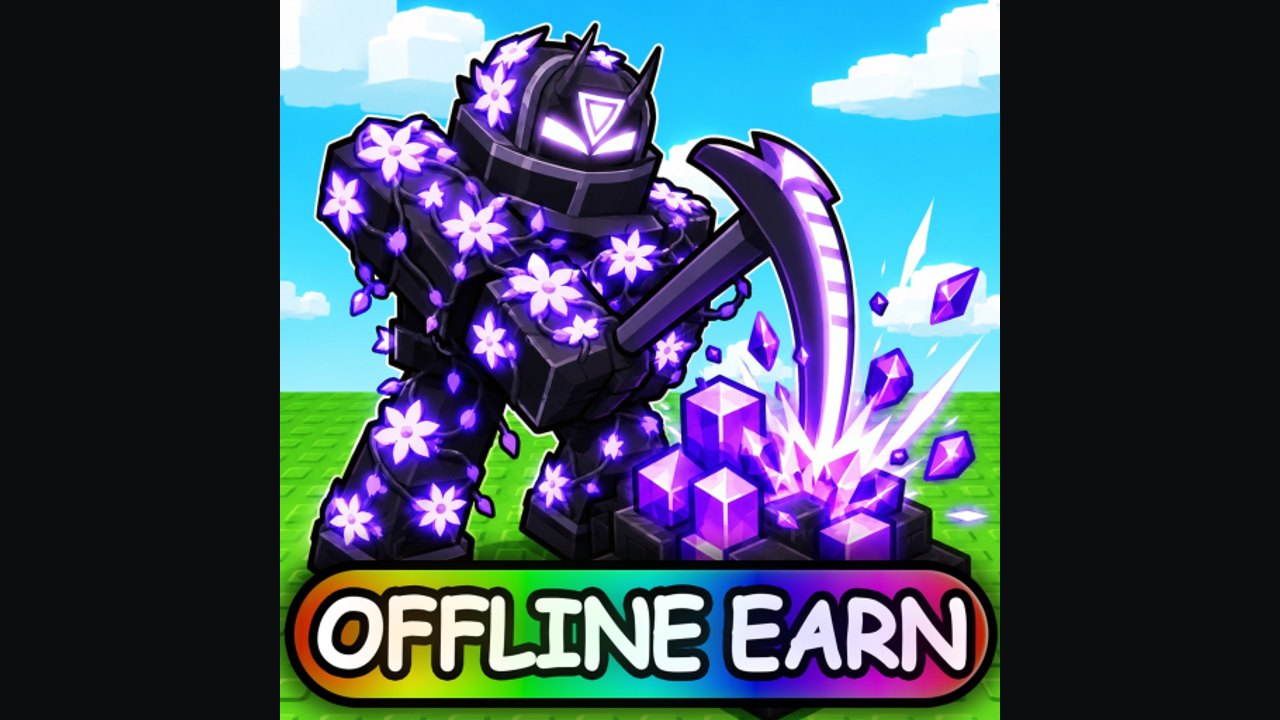
This is the links hub for Build A Golem! on Roblox — the incremental mining simulator from the group mesmerizing (really). Use it when you need the real experience URL, the real Discord invite, the group name for extra rewards, or a map of this unofficial wiki. It is not a Trello (there is no official Trello), not a script dump, and not a page for Build a Golem Army.
The game is released. Created 26 June 2026, last updated around 1 September 2026, with about 720,000 visits, 6,400 favorites, six players per server, and personal mines. Golems you assemble in the crafter keep mining offline. Bookmark the official rooms first, then pick a wiki hub that matches what you actually need today: codes, a guide, a tier, or an update stamp.
Official rooms
Play the game. Open Build A Golem on Roblox. That URL is the mining crafter this wiki covers. If the page you opened talks about spawners, PvP kingdoms, islands, or rebirth, you left this title.
Discord. Join the official Discord invite. Milestone codes, patch chatter, and group pings show up there before random video descriptions. Do not follow cloned invites from six-player server chat without checking this page.
Roblox group. Join mesmerizing (really) from the experience’s social links or group search. The group is the extra-reward door — cosmetics or in-game bonuses that are not typed codes. Membership does not replace claiming THANKS and RELEASE in Settings.
No Trello. If a thumbnail promises an official board with columns for “next golem,” it is fan-made or copied from another game. We will not invent a Trello URL to look complete.
These three official pieces — Roblox page, Discord, group — are the whole upstream set we can verify. Everything below is this fan wiki mapping those facts into guides.
Unofficial disclaimer
buildgolem.wiki is a fan-made resource. We are not the developers, not Roblox, and not endorsed by mesmerizing (really). Codes, visit counts, and update stamps are compiled from public pages and in-game menus. If Discord and this wiki disagree, Discord wins until we refresh the table. Do not send passwords, Roblox security codes, or executor files to anyone claiming to “work for the wiki.”
We also will not pretend this site is the Army wiki. Mixing those mechanics would waste your first hour in the crafter.
Wiki map — every hub
Jump with trailing-slash paths. English links have no language prefix; the language buttons add /fr/, /de/, /es/, or /pt/ for you.
- Codes Hub — working THANKS (15-minute Time Skip) and RELEASE (75,000 Cash), expired-none, and why Claim fails. Child page: how to redeem in Settings.
- Guides Hub — the playable loop: getting started, how to play, how to mine, controls, assembling workers. Start here after you claim codes.
- Tier List Hub — how to prioritize parts and builds without an invented official roster. Typical slots (head, torso, arms, legs) are assembly positions, not a leaked catalog.
- Players Hub — playstyles and starter versus later planning, including how a first worker should look before you expand the mine.
- Updates Hub — June–September 2026 launch window, 2026-09-01 stamp, and launch notes for the current checkpoint.
- Scripts Hub — why auto-farm listings for this miner are scarce, why many belong to Army, and why executors are a ban and malware risk. No payloads.
- Tools Hub — practical helpers such as the session planner for lining up Time Skips with real craft and mine timers.
If you only open one cluster after this map: codes, then guides, then tools. Tiers and players matter once RELEASE is burning a hole in the wallet. Updates matter on patch days. Scripts matter when a stranger whispers a file.
How the official links and the wiki share work
Redeem codes in the game, not in Discord chat. Discord is how you hear that a string exists; Settings is how you claim it. The group can add a reward on join; it will not type THANKS for you. This wiki stores the string and the click path so you are not scrolling a 200-message Discord channel on your phone while the tutorial still has the HUD locked.
When a patch lands, Roblox updates the experience stamp, Discord talks, and this wiki’s Updates Hub gets a dated article. That is the intended relay. Skipping the official rooms and trusting a random “new codes” site is how Army strings leak into your Codes box and fail.
Shared servers mean you will meet other players while you read Discord on a second screen. They cannot collect your mine. They can send bad invites. If an invite is not the official Discord invite listed on this page, ignore it.
What to do with this map in a first session
- Play from the official Roblox link above.
- Join Discord and the group once, then mute noise until you need a code ping.
- Claim live strings on the Codes Hub.
- Walk a guide from the Guides Hub so the crafter and mine are not mysteries.
- Check the tier list before emptying Cash.
- Use Players if you want a named playstyle instead of improvising.
- Park the Tools Hub next to THANKS.
- Skim Updates if you are returning after 1 September 2026.
- Read Scripts only as a warning, never as a shopping list.
That is the whole unofficial map: two official community rooms, one Roblox experience, seven wiki hubs, and a hard line against the other golem game.
Bookmark this map, join the Discord once, and treat every third-party list as a rumor until you see the same string in Settings. That habit keeps Cash, Time Skips, and your Roblox account pointed at the mining crafter you actually launched.
Frequently Asked Questions
Quick answers for codes, mining, and crafter questions.
Is this Build A Golem wiki official?
No. It is a fan-made site. Official rooms are the [Roblox experience](https://www.roblox.com/games/78091651370612/Build-A-Golem), the [Discord invite](https://discord.com/invite/WD2rQmh3q3), and the group mesmerizing (really).
Is there an official Trello?
No. Use Discord and the Roblox group for announcements. This Links Hub will not invent a Trello URL.
Where do I play the correct golem game?
Play [Build A Golem](https://www.roblox.com/games/78091651370612/Build-A-Golem). If the listing emphasizes spawners, PvP kingdoms, islands, or rebirth, that is Build a Golem Army — a different title.
Which wiki hub should I open first?
Claim strings on the Codes Hub, then pick a page from the Guides Hub. Use Updates when you need the 2026-09-01 checkpoint.
Do I need Discord to redeem codes?
No. Discord is for hearing about new strings. You still redeem in Settings in-game. The Codes Hub copies public strings so you can claim without digging through chat history.