
Build A Golem Guides
First hour, crafter, mining, and controls for a six-player server with a personal mine.
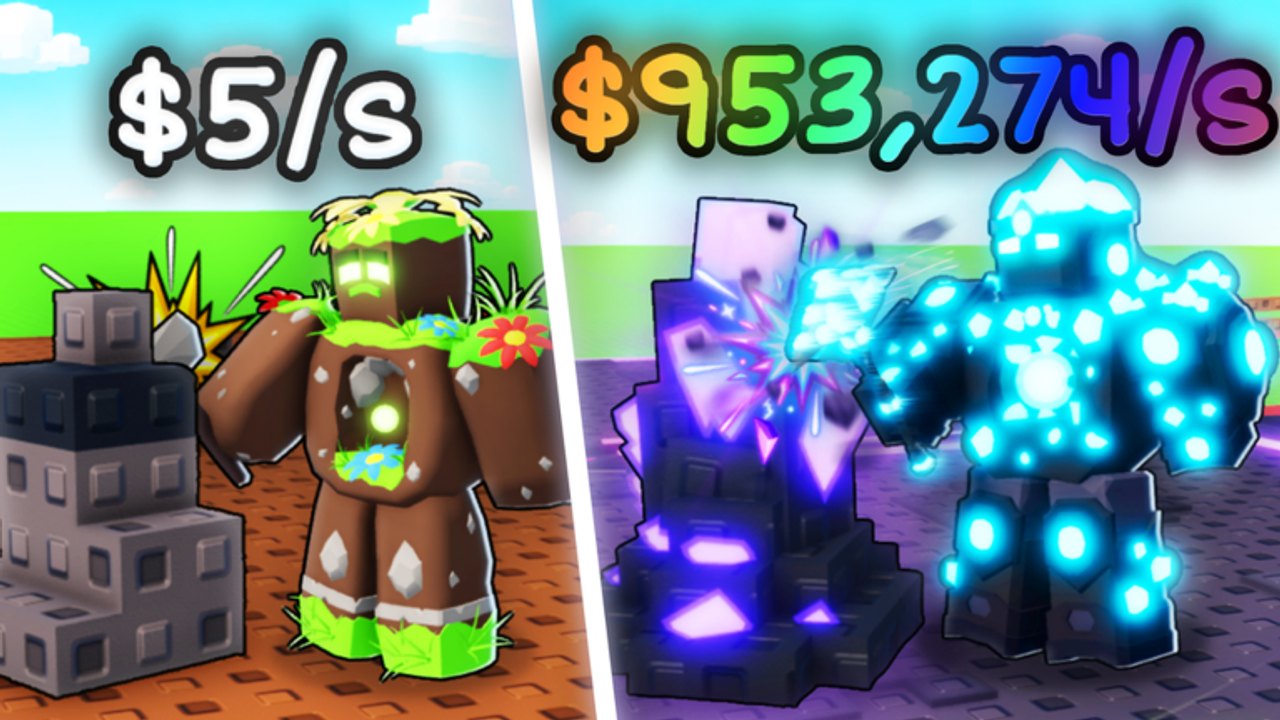
Build A Golem! is the Roblox incremental mining simulator by mesmerizing (really). It launched on June 26, 2026, and the last notable update on this wiki’s timeline is September 1, 2026. You load into a six-player server with other people online, but the mine you expand is personal. That mix confuses a lot of first sessions: you are not playing a solo-only sandbox, and you are also not sharing one pit with the whole server.
The loop is easy to say and easy to stall. Roll or buy golem parts, assemble them in the crafter, assign the finished body to your mine, collect Cash, then spend that Cash on more parts and more space. Golems keep working while you are offline, which is why a short session still matters if you leave a worker assigned. This hub is the map of every child guide plus the related codes, rankings, roster, planner, and patch pages.
If a video or friend points you at spawners, island rebirth, or PvP kingdoms, they are talking about Build a Golem Army. That is a different Roblox title. Nothing in this hub assumes army mechanics.
Getting Started
The Getting Started guide is the first-hour checklist. Use it when you have just opened the experience and need a spend order, not a theory dump. It walks tutorial prompts, the Settings gear at the top-left, redeeming THANKS and RELEASE, the first parts, the first crafter assemble, the first mine assignment, and what to upgrade next. Read it before you dump the 75,000 Cash from RELEASE on a matching color set.
New players should treat that page as a scorecard: tutorial done, codes claimed, one miner ticking, THANKS still unused or used only after assignment.
How to Play
How to Play is the core-loop deep dive from spawn to a stable mining loop. Open it when you already know where the crafter is but Cash still feels random. It covers rolling versus buying, when to stop rolling, why an unassigned golem is decoration, how expansion can fake progress, and how to tell the loop is actually stable—including offline ticks.
If you only remember one sentence from that guide, make it this: parts, craft, assign, collect, expand, repeat, on a personal mine inside a six-player room.
How to Build Golems
How to Build Golems stays at the crafter. It explains seating parts, mixing rolls with shop buys, and why mining stats beat cosmetics while plots are empty. It does not invent an official named catalog. If a part looks rare but mines slowly, it is a display piece until Cash is flowing.
Use that page when assembly fails, when you have leftover heads and no torso, or when you are about to rebuild a perfectly good miner for paint.
How to Mine
How to Mine is assignment, Cash, offline progress, timeskips, and expansion. THANKS is a 15-minute timeskip; it fast-forwards work that is already happening. Spending it on an empty mine wastes the code. RELEASE is Cash, not a skip. Offline mining is real only if a golem is assigned before you leave.
Open the mining guide before you expand into empty land and before you trigger THANKS.
Controls
The Controls page covers Roblox camera and movement plus the in-game UI: Settings gear, Codes, crafter, mine, and shops, with PC versus mobile notes. Use it when you cannot find the code box, when Esc opens the Roblox menu instead of Settings, or when the crafter camera hides a slot.
Codes, rankings, and planning
Promo strings live on the codes list. THANKS currently grants a 15-minute timeskip. RELEASE currently grants 75,000 Cash. Redeem both from the Settings gear at the top-left after the tutorial, preferably on a fresh server. Old instances sometimes reject new codes.
When inventory outruns decisions, check the tier list for a stats-first ranking and the players hub for roster notes. Neither page replaces the crafter; they help you choose what to keep.
For a timed session, use the session planner so rolls, crafts, and THANKS happen in a sensible order. Patch history sits on the updates hub. Official drops also appear in the Discord server. The playable listing is Build A Golem on Roblox.
Pick a guide by symptom
- Cannot find Codes or the crafter prompt: Controls.
- First session, no miner yet: Getting Started.
- Cash feels random even after a craft: How to Play.
- Assembly will not finish, or you are mixing parts: How to Build Golems.
- Mine is quiet, skip feels wasted, or you want offline to work: How to Mine.
- You are stuck on the roll booth: How to Roll Parts.
- You log off and Cash never moves: offline mining.
- You have extra bodies and need a keep-or-scrap call: tier list and players hub.
Suggested reading order
- Getting Started for the first hour.
- Controls if the HUD is unclear.
- How to Play to stabilize the loop.
- How to Build Golems once extra parts appear.
- How to Mine before you spend THANKS.
- How to Roll Parts if the bag is full of unmatched pieces.
- Offline mining before you quit for the night.
- Codes whenever a new string appears in Discord.
- Updates after a patch day.
Bookmark this hub after patches rather than hunting child URLs from memory. Child pages are written around the current roll-craft-mine loop, not around army-game rumors, and the September 1, 2026 beat is the latest notable date we track. If a future patch adds a new station, start here again and follow the symptom list instead of assuming the first-hour spend order changed.
Frequently Asked Questions
Quick answers for codes, mining, and crafter questions.
Where should a new player start in this hub?
Open Getting Started first, redeem codes from the Settings gear, then craft and assign one miner before you browse the tier list.
Is Build A Golem! the same game as Build a Golem Army?
No. This title is an incremental mining simulator with a crafter and a personal mine. It has no spawners, no island rebirth ladder, and no PvP kingdoms.
Do I play alone or with other people?
Servers hold up to six players and you will see other people online. Each mine is still personal, so visitors cannot run your plots or steal your Cash.
Which guide covers THANKS, RELEASE, and timeskips?
Redeem steps live on the codes list. When to spend THANKS after assignment is covered in How to Mine.
How often should I revisit this hub after a patch?
Check the updates hub on patch day, then return here if a station moved. The last notable update on this timeline is September 1, 2026.