
Build A Golem Roblox How Offline Mining Works
Golems keep working after you close Roblox — if they were assigned first.
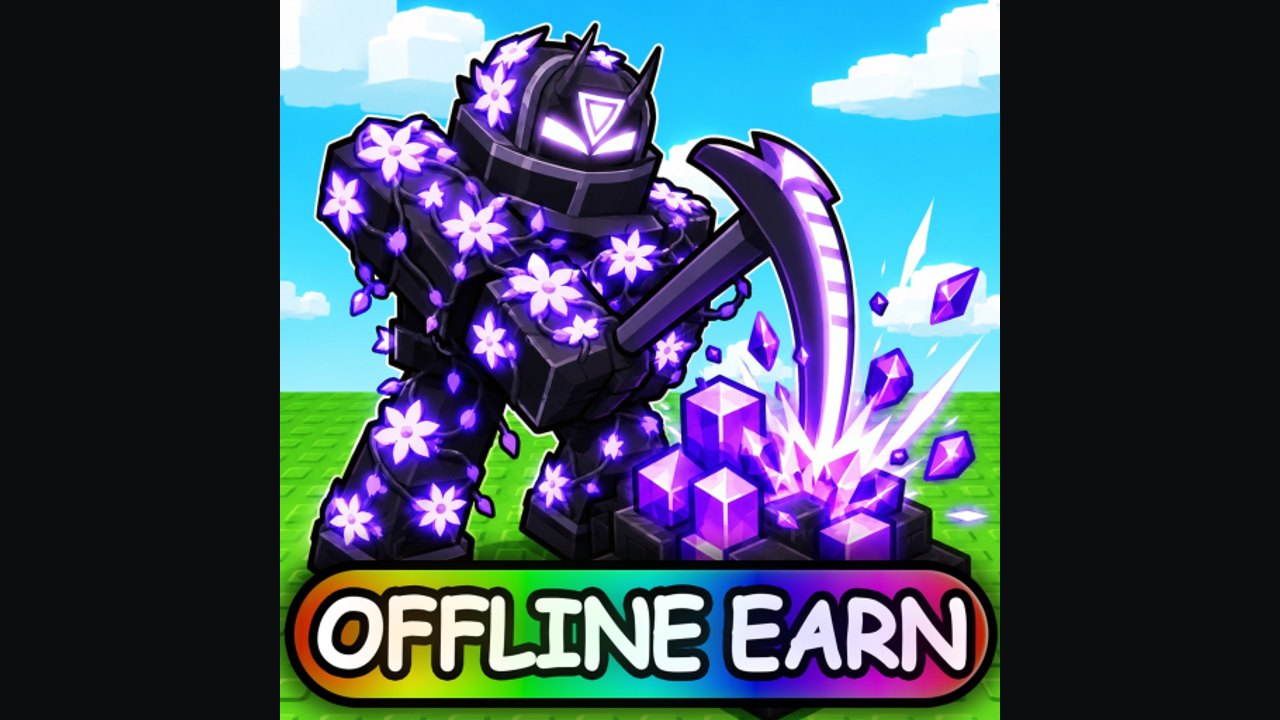
The Roblox listing for Build A Golem says it in one line: your golems work offline. That sentence is why short sessions still matter. It is also why a ten-minute login that never assigns a body produces nothing while you sleep. This page is the offline rule, the checklist before you quit, and the mistakes that make the official promise look broken.
The game is a free incremental from mesmerizing (really). You roll or buy parts, assemble them in the crafter, and send the golem into a personal mine. Servers cap at six players. Other avatars can stand in the way. They cannot operate your plots. Offline Cash is yours, not the lobby’s.
This is not Build a Golem Army. Offline mining is not an AFK kingdom raid and not a spawner ticking on an island. If a script thumbnail promises auto-rebirth while you are away, it is the other title — or a ban risk. Read the scripts hub as a warning, then come back here.
The rule in one paragraph
A golem prints Cash while you are online and while you are offline if it is assigned to the mine before you leave. Unassigned parts in the bag do not mine. A crafted body standing at the crafter does not mine. A skip used on an empty plot does not mine. Assignment is the switch. How to Mine is the full assignment walkthrough. This page is what to do in the last two minutes of a session so the next login is not a blank wallet.
Last two minutes before you quit
- Collect whatever Cash is already sitting in the mine so the next cycle has room to count.
- Confirm every finished golem is assigned. Watch the Cash value change once. If it does not, cancel and reassign.
- Do not start a new roll binge. Rolling after you meant to log off is how RELEASE leftovers vanish and how you close the client with nobody in the pit. How to Roll Parts covers when to stop.
- If THANKS is still unclaimed or unused, decide now. A 15-minute Time Skip helps only if work is already running. Trigger it on an assigned miner, not on the login screen. Redeem steps live on How to Redeem Codes.
- Leave. Offline work does not need you staring at the HUD.
The session planner is the same list in tick-box form. Use it if you keep opening Shop instead of the mine at minute nine.
What offline is not
It is not a substitute for claiming codes. THANKS and RELEASE still need a server and a Claim click in Settings. You must be in the experience to redeem. After that, Cash sits in the wallet and assigned golems keep digging.
It is not infinite. Public pages do not publish a hard cap, a decay formula, or a maximum away-time. We will not invent one. What we can say: come back, collect, reassign if a slot emptied, and leave again. If a patch adds a visible offline timer, it will be on the updates hub.
It is not shared. Six players can idle in the same instance. Your mine does not pay them. Their golems do not pay you. Do not wait for a friend to “host” offline progress.
It is not a script. Injected auto-collect tools violate Roblox Terms of Service and can cost the account. Legitimate offline progress is the feature on the game page. Use it.
Time Skips and offline
THANKS is a 15-minute Time Skip as of September 2026. HUD stacks can also show skip items (the in-game Settings screenshot many players see includes skip charges and money multipliers). A skip fast-forwards wait that is already happening — craft timers, mine cycles, expansion delays. A skip on an empty mine wastes the charge.
Use a skip after assignment if you want the offline window to start further along. Use it before logout if a visible bar is the bottleneck. Do not use it as a replacement for assignment. The HUD checklist marks skip items separately from promo codes so you do not treat THANKS as a logout button.
First session versus repeat logins
First session: tutorial, codes, one cheap complete body, assign, optional skip, leave. Getting Started is the prose version. Offline only starts at the assign step.
Repeat login: collect, check the codes hub for a new string, replace one weak slot using the parts tier list, confirm assignment, optional skip, leave. Do not recraft from zero unless the miner is clearly dead. Two assigned cheap workers beat one fashionable statue that never entered the pit. Starter golem builds and late game strategy split those two mindsets.
Why it looks like offline “failed”
You closed Roblox at the crafter. The body was never assigned. Next login shows the same Cash. Assign, wait one tick, then leave next time.
You spent THANKS during a roll animation. Nothing was mining. The skip burned on empty ground.
You expanded plots and staffed none of them. Empty land does not print while you sleep. Fill current slots before you buy more. How to Play is the loop that keeps expansion honest.
You joined an old server, claimed nothing, and quit. Codes can fail on stale instances. That is a claim problem, not an offline problem. Rejoin fresh, Claim, assign, leave.
Official rooms
Play Build A Golem on Roblox. Join the Discord and the group mesmerizing (really) for extra rewards. There is no official Trello. The links hub keeps those URLs in one place.
The icon on the store page even banners offline earn. Treat that as a reminder, not as a license to skip assignment. The mine only works when a golem is in it — including after you close the app.
Frequently Asked Questions
Quick answers for codes, mining, and crafter questions.
Do golems mine while I am logged off?
Yes, if they were assigned before you left. Confirm assignment with How to Mine first.
Should I use THANKS right before quitting?
Only if a miner is already working or a timer is visible. Redeem on the codes hub, then skip real work, not an empty plot.
Does offline progress need a friend online?
No. Six-player servers are shared rooms with personal mines. Your plot keeps working without a host.
Why did Cash not change after I slept?
Usually the golem was never assigned, or you expanded empty land. Use the session planner on the next login.
Is there an auto-farm that replaces offline mining?
You do not need one. Offline work is built in. Injected tools are a ban risk — see the scripts hub.